Brush outside the ordinary.
Paint rainbow trails and swirling galaxies. Try silly brushes, playful stamps, and colors you mix yourself.
 Start drawing
For curious minds of every age
A drawing playground where rainbows are paintbrushes, mistakes are experiments, and every doodle is yours.
Free in your browser. No account. No ads.
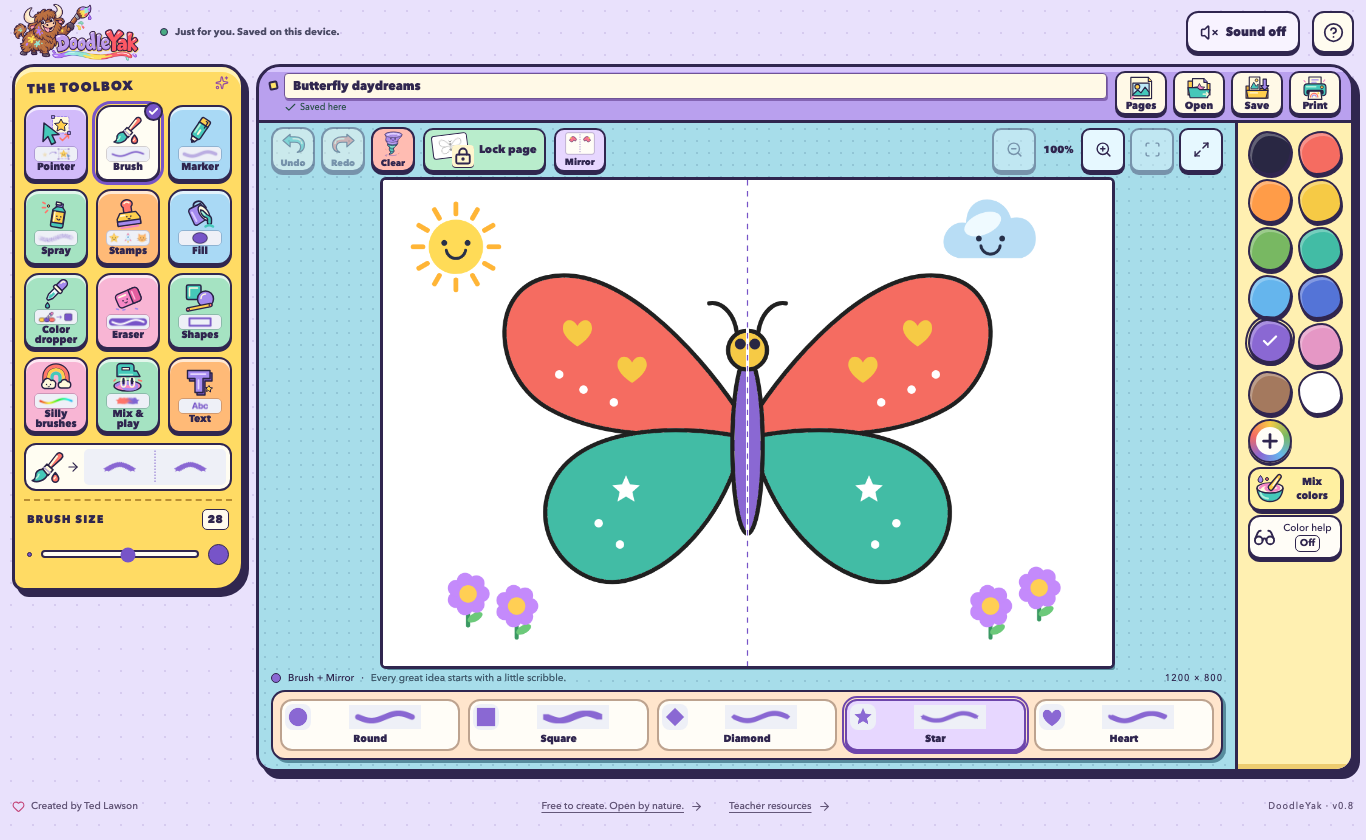
Big fun, right in your browser
Start with a blank page or jump into a coloring adventure.
There’s no right way to make your next favorite picture.
Paint rainbow trails and swirling galaxies. Try silly brushes, playful stamps, and colors you mix yourself.
Turn on Mirror to make butterflies, friendly creatures, and perfectly imperfect patterns. Every mark gets a buddy.
Print a fridge-worthy favorite, save a picture, or take an editable DoodleYak file to another device and keep going.
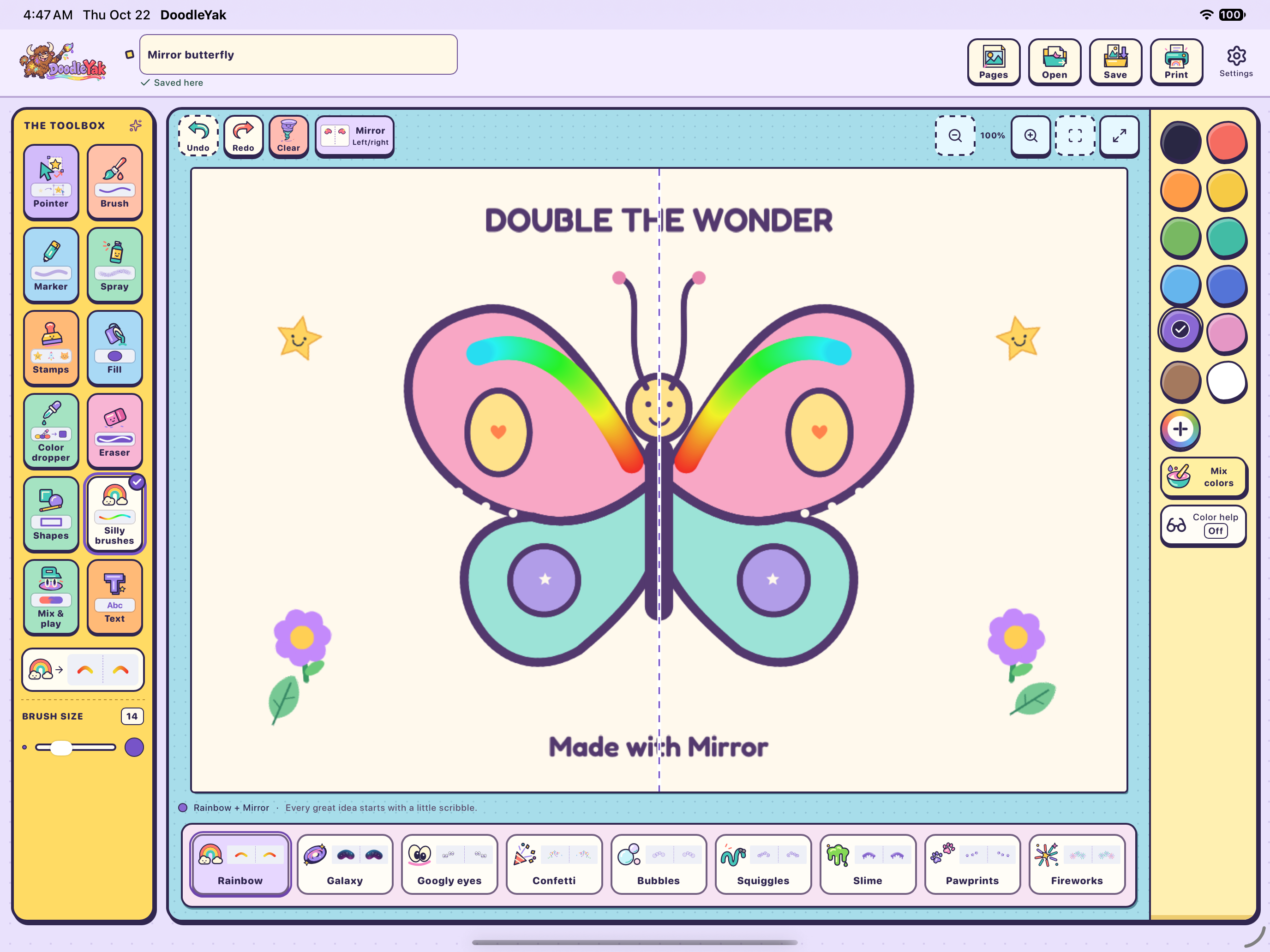
More room for your next big idea.
DoodleYak for iPhone, iPad & Mac
Take your imagination anywhere. Draw with your finger on iPhone or iPad, an Apple Pencil on supported devices, or your mouse or trackpad on Mac. Playful tools make room for first doodles, detailed illustrations, and everything in between.
$5.99 USD · One-time purchase
No ads. No account. No subscription.
Available now for iPhone, including Duo, iPad, and compatible Apple silicon Macs. U.S. price. Regional prices and availability vary. Requires iOS 17 or iPadOS 17 or later, or a compatible Mac. Apple Pencil is optional; the USB-C model does not sense pressure.
Try the free web studioNow on iPhone & Duo
DoodleYak is now available for iPhone and iPhone Duo. The same playful toolbox fits around your picture, with tools and colors a tap away. Start a quick doodle or settle in for something bigger.
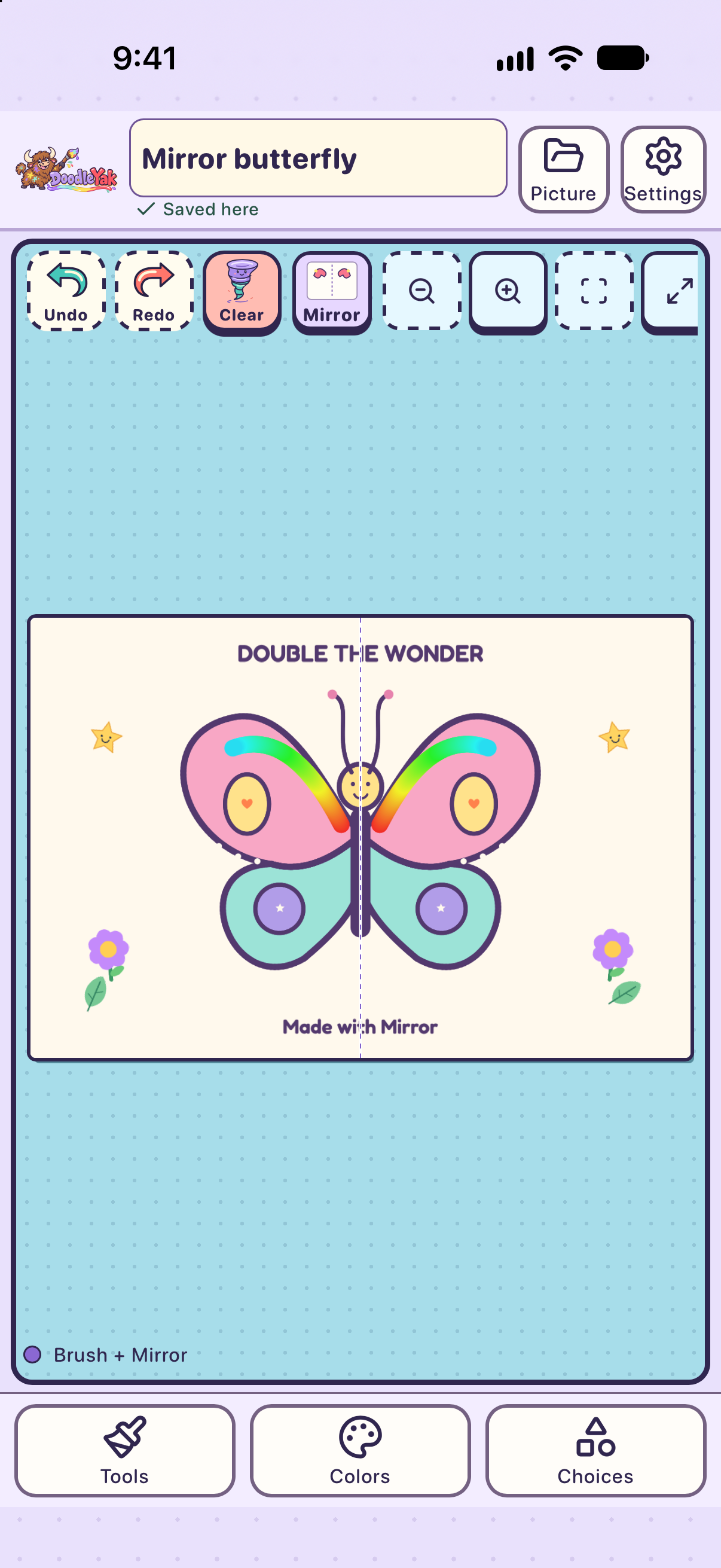
Open Tools, Colors, or Choices when you need them. Tap Done and get back to your picture. Draw with your finger, wherever an idea finds you.
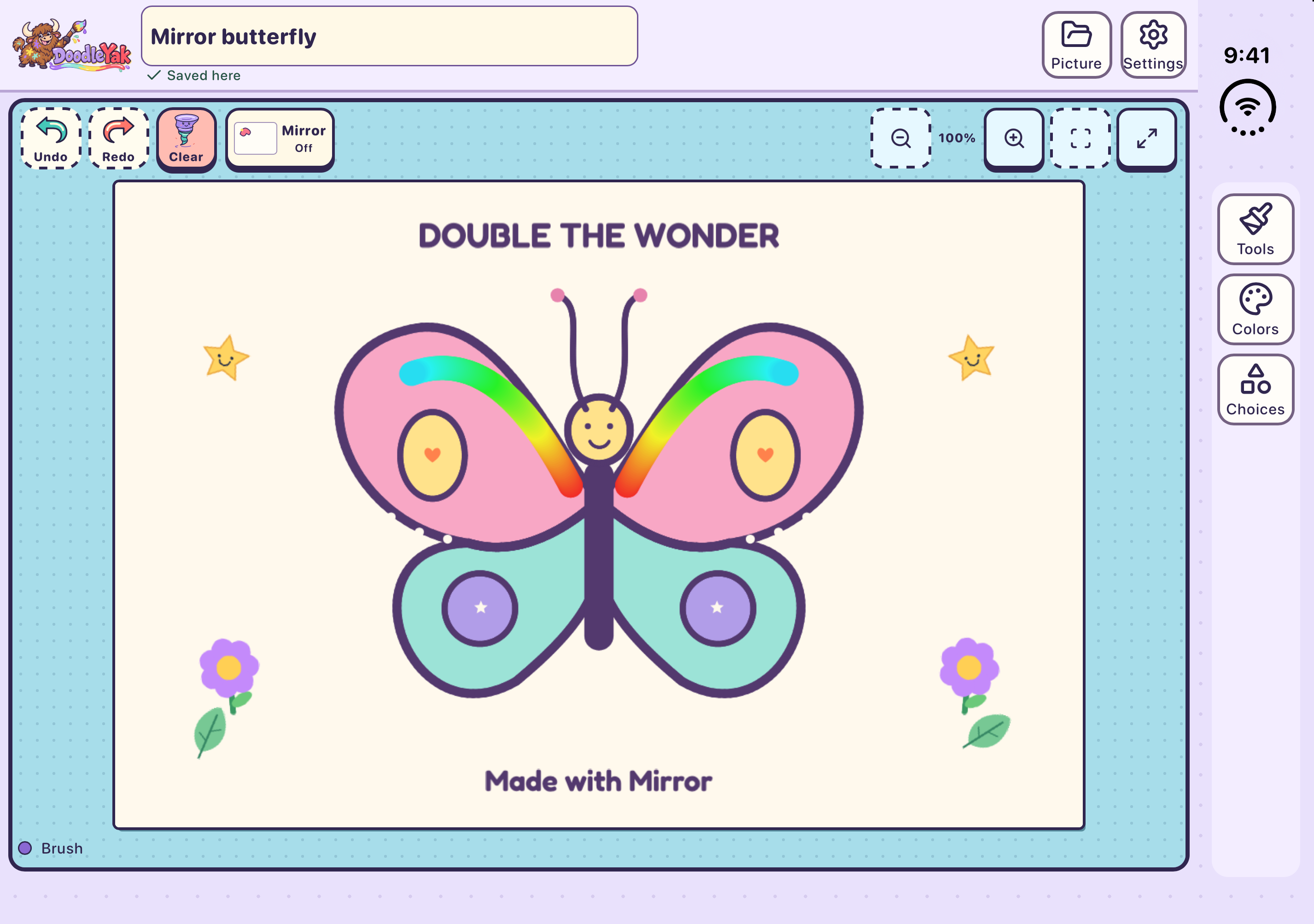
Keep the same picture open as Duo folds, unfolds, or rotates. The controls make use of the available space. Draw with your finger or a compatible Apple Pencil (USB-C).
iPhone and Duo support is included in version 1.1, a free update for existing DoodleYak app owners. Pencil is optional. Apple Pencil (USB-C) uses a fixed brush width; choose your line size in the app. Explore device and Pencil support.
Get DoodleYak for iPhoneFor the grown-ups who spark the ideas
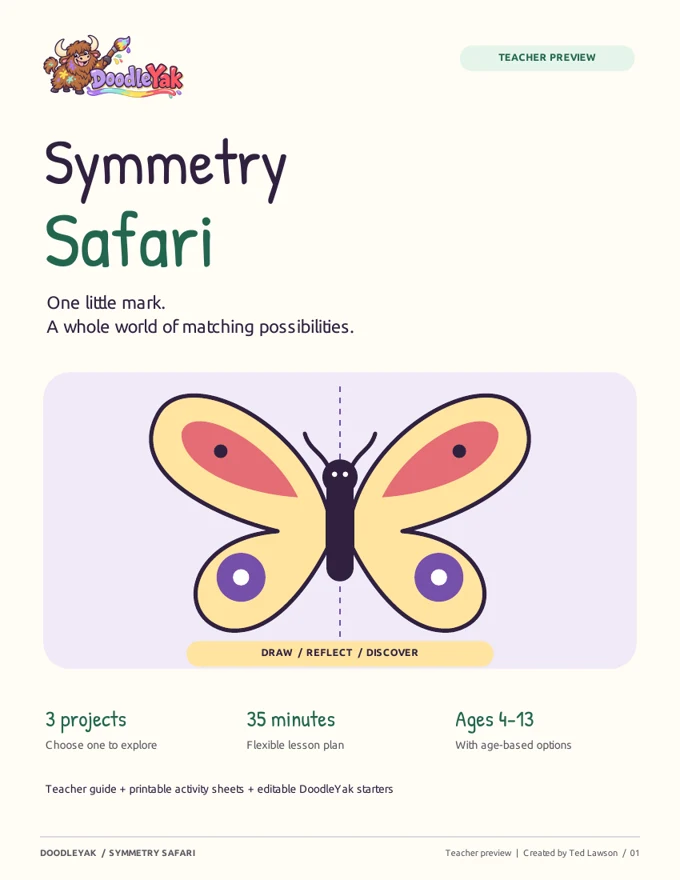
Bring a creative adventure to your classroom with Symmetry Safari. Our free sample pack includes a teacher guide, printable activities, and editable starters.
Explore teacher resourcesFree sample · No sign-up needed
 An adventure
A few things to know
Here’s the grown-up stuff,
kept nice and simple.
Yes. The browser drawing studio is free, with no ads or account required. All its drawing tools are there to explore. The App Store edition is a separate, one-time purchase: $5.99 in the U.S., with regional prices shown in the App Store. It has no ads, account requirement, subscription, or in-app purchases.
The App Store app is available for iPhone, including iPhone Duo, iPad, and compatible Apple silicon Macs. You can also use the free web studio in a supported browser. Artwork stays on each device; editable DoodleYak files let you move it yourself.
Drawings stay in the browser or app on the device where they were made. They aren’t uploaded to DoodleYak. Save an editable DoodleYak file or export a PNG to keep a separate copy: clearing browser data can remove locally saved art, as can deleting the installed app. Files can be moved between devices, but they don’t automatically sync.
The web studio can work offline after it has successfully cached on that device. Open it online first and allow it to finish loading. Browser storage can be cleared, so keep separate copies of favorite artwork. Once installed, the App Store app works offline from its first launch.
The web studio and shared drawing core use the Mozilla Public License 2.0, which allows personal, school, and commercial use, including self-hosting. The App Store edition is a separate product built on that shared core; its app-specific code remains private.
There’s only one way to find out.